📦 How to Create a Package
| ⏱️ Approx. read time | 2–3 mins |
| 🧭 Audience | Book Donors / Smart Sell - User |
What is a Package?
A package represents a physical carton box that you plan to ship.
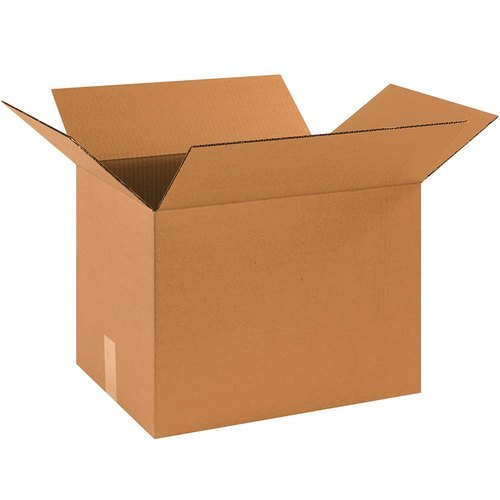
A package represents a physical carton box that you plan to ship when you have choosen
- Donate books
- Smart Sell
Each package entry stores details like dimensions, weight, and contents — which are later used to generate your shipping labels.
How to Create a Package
Navigate to My Packages from your dashboard and click Add Package. Fill in the fields described below.
📋 Package Fields
Package Name
A simple label to help you identify the box. This is for your own reference.
Examples:
Red Big Box,Blue Brown Box,Living Room Carton 1
Package Contents
A short description of what's inside the box.
Examples:
Storybooks, Novels,Children's textbooks,Science and reference books
Weight (kg)
The approximate weight of the box in kilograms. Use a weighing scale if available, otherwise provide a reasonable estimate.
Enter a single number only. Do not enter ranges like 5–10 or multiple values like 2, 10.
✅ Correct: 7
❌ Incorrect: 5-10 or 2, 10
Dimensions (cm)
Measure the box with a ruler or tape and enter the values in centimeters:
- Length
- Breadth
- Height
Number of Packages
The count of boxes that share the exact same dimensions and contents.
If you have 5 boxes of the same size, enter 5 in this field instead of creating 5 separate entries. PutForShare will treat each box as an individual package and generate a separate shipping label for each one — saving you from repeating the same details 5 times.
If your boxes are different sizes, create a separate package entry for each size.
| Scenario | What to enter |
|---|---|
| 1 unique box | 1 |
| 5 boxes of the same size | 5 |
| 10 boxes of the same size | 10 |
| 3 boxes of different sizes | Create 3 separate entries, each with 1 |
✏️ Editing a Package
You can update a package's details at any time before booking your pickup request. Go to My Packages, find the entry, and click Edit to update the package name, contents, dimensions, or weight.
Once a pickup request is BOOKED, package details can no longer be modified.
Need More Help?
Need more help? Contact support or raise a ticket from your dashboard.
Was this article helpful? 👍 Yes | 👎 Not really